How to use SlowGo
SlowGo plans rides for golf carts and low-speed vehicles on slower streets. Here is everything you need, one step at a time.
Signs and local rules win. Always follow posted signs and your town's rules.
1Get the app
Open the App Store or Google Play, search for SlowGo, and tap Get or Install. It's free.
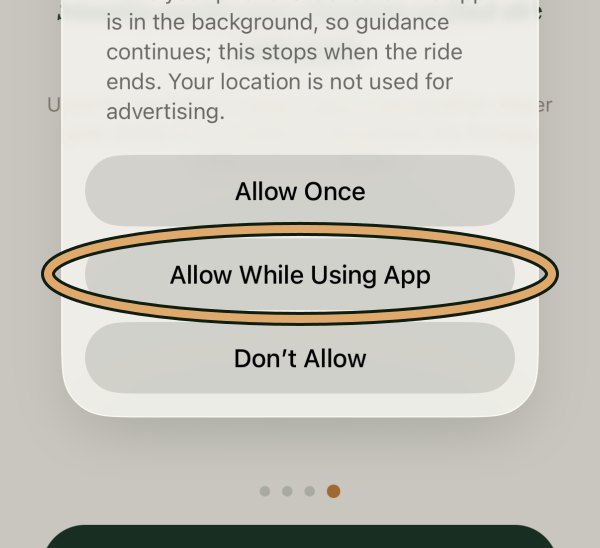
App StoreGoogle Play2Let SlowGo see where you are
Tap Continue, then Allow While Using App. Keep Precise Location on.
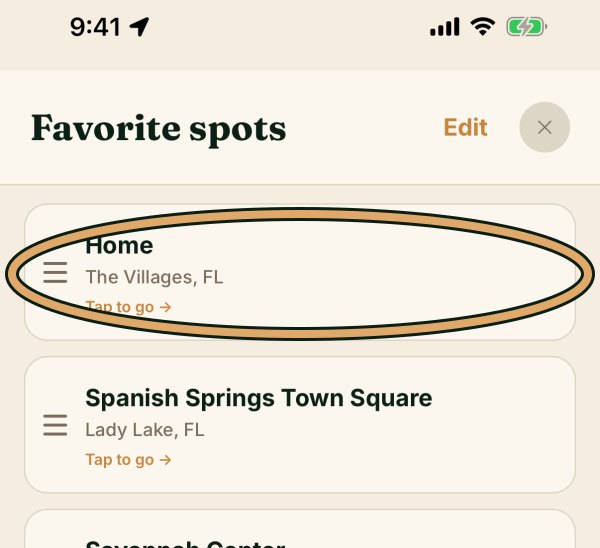
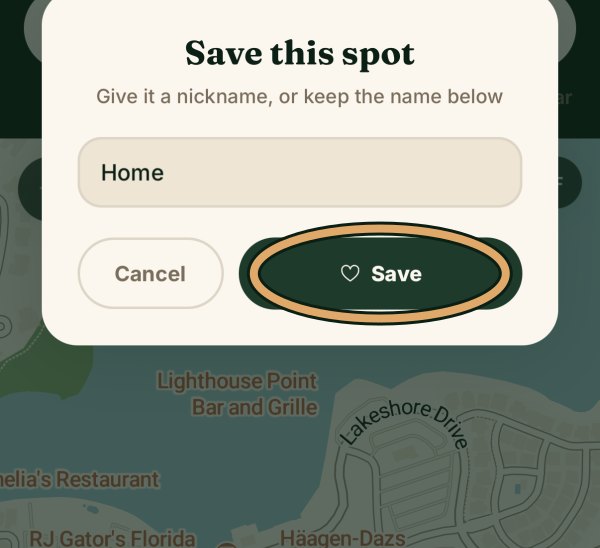
3Save your Home
Type your address in Where to?, tap the heart, name it Home, tap Save.
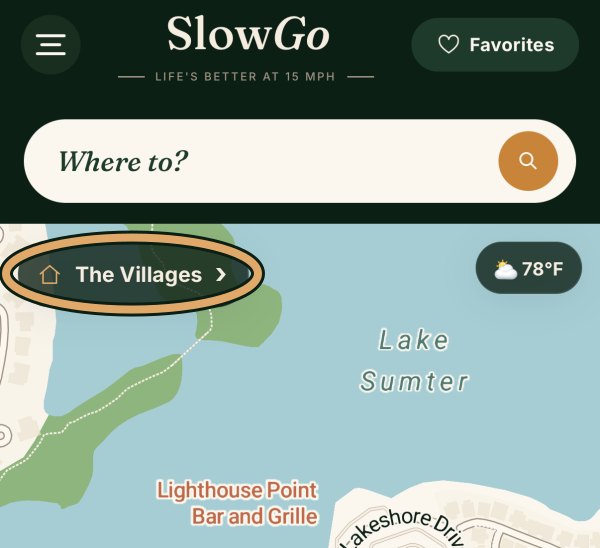
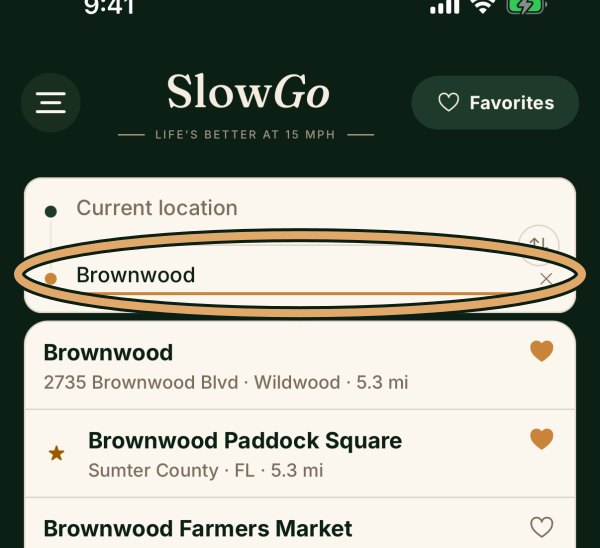
4Search with Where to?
Tap Where to?, type a place, and tap it in the list.
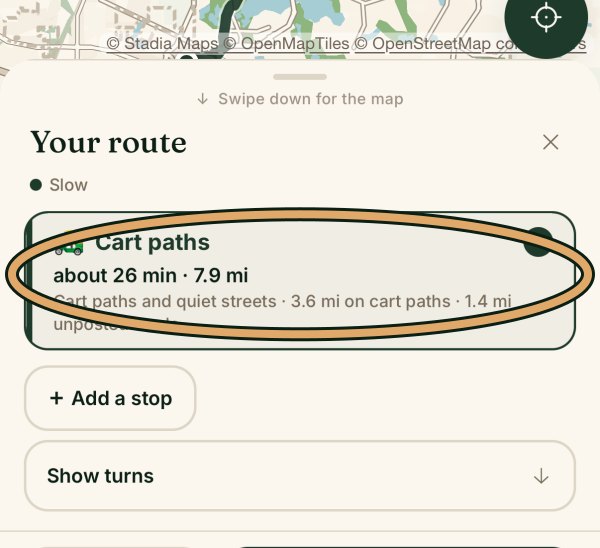
5Choose your route
Pick your route (for example Cart paths), then tap Check out your route.
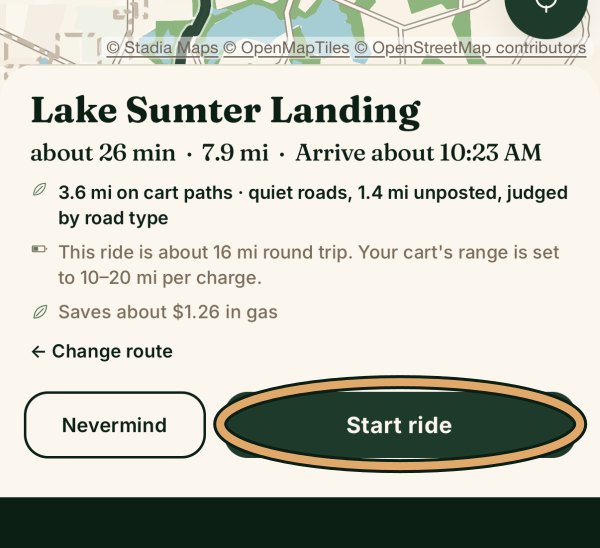
6Start the ride
Tap Start ride. A voice tells you each turn.
slowgoapp.comPage 1 of 2